On this page
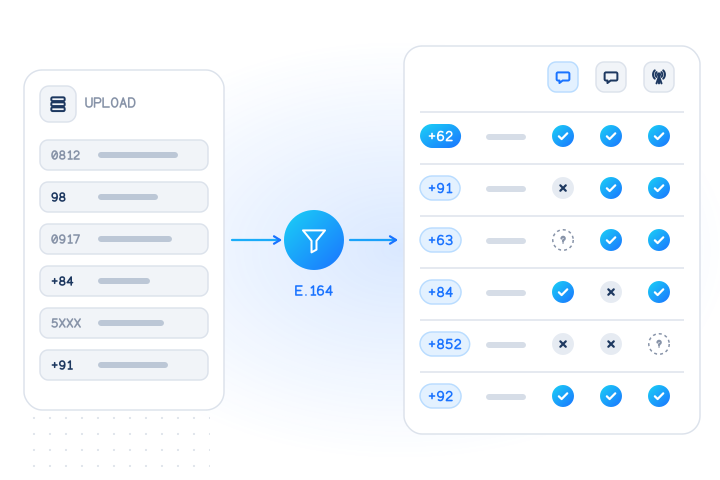
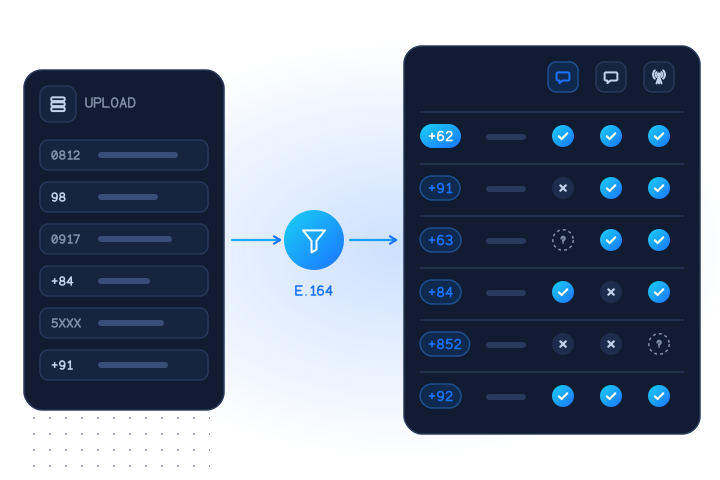
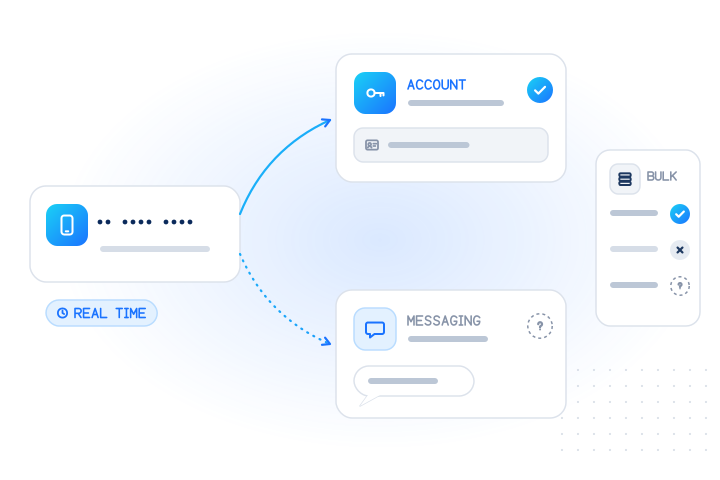
To check if a phone number has an Apple ID, now called an Apple Account, run an Apple Account number check on the number in E.164 format: one number at a time through a real-time API call, or many at once in a bulk job. Each number comes back as registered: true, false or null (unknown) with the time of the check. Nothing is sent to the number, no name or device is returned, and unknown answers are free. The answer is about the account, not about iMessage, which is a separate check.
What does "has an Apple ID" actually mean?
It means an Apple Account is associated with the phone number. Apple renamed Apple ID to Apple Account with iOS 18, macOS Sequoia and its other 2024 releases, without changing existing accounts (Engadget, 2024). Both names refer to the same account, so this guide uses them interchangeably.
A phone number can end up on an Apple Account in several ways:
- As a trusted phone number. Two-factor authentication needs "at least one trusted phone number on file where you can receive verification codes" (Apple). New accounts are asked for "a phone number that you can always access" during sign-up (Apple).
- As the sign-in itself. In China mainland (+86) and India (+91), people can create an Apple Account with a mobile number instead of an e-mail address and sign in with it (Apple).
- For Messages and FaceTime. An iPhone's number is used for Messages and FaceTime together with the Apple Account signed in on the device. Setting it up needs "an active SIM or eSIM associated with that number" (Apple).
The check tells you that an association exists. It does not tell you which of these routes created it, whose account it is, or which devices use it.
| Answer | What it means | What it doesn't mean |
|---|---|---|
registered: true | An Apple Account is associated with the number | That the person owns an iPhone, or uses iMessage |
registered: false | A conclusive "no account associated" | That the number is fake or inactive |
registered: null | No conclusive answer this time (reason says why) | Anything about the number. Not charged |
How is an Apple Account check different from an iMessage check?
They answer different questions, and they often agree but not always. The Apple Account check asks whether an account is associated with the number. The iMessage check asks whether the number is registered for iMessage on an Apple device. Activating a phone number for iMessage needs SMS on the iPhone, and the carrier can take up to 24 hours to verify the number with Apple (Apple). So iMessage registration reflects an Apple device that has actually used that SIM.
Typical cases where the two differ:
- Someone uses Apple Music or iCloud on Windows or Android and added their number for two-factor codes: account yes, iMessage no.
- Someone moved from iPhone to Android and hasn't deregistered the number from iMessage, which Apple lets people do online (Apple): iMessage can still say yes for a while.
- A number was given up and reassigned. Apple notes that after 30 days another user might link a former number to a different Apple Account for Messages and FaceTime (Apple). Both answers can then describe the new holder, not your customer.
| Apple Account by number | iMessage | Apple Account by e-mail | |
|---|---|---|---|
| Input | Phone number | Phone number | E-mail address |
| Question | Is an Apple Account associated with it? | Is it registered for iMessage? | Is it the sign-in of an Apple Account? |
| Check code | apple (apple.registered) | imessage (imessage.registered) | apple.email |
| Real time | Yes | No, bulk jobs only | Yes |
| Bulk jobs | Yes | Yes | Yes |
| Mainland China (+86) | Real time only | Not covered | Not applicable |
| Typical use | Sign-up and account-change risk, list hygiene | Message format and channel planning | Sign-up and account-change risk |
For the device-platform side in depth, read how to check if a phone number uses iMessage.
How can you check one number manually?
Only for your own account. On an iPhone, iPad or Mac, the phone numbers on your Apple Account are listed under your name, then Sign-In & Security, where trusted numbers are added and removed (Apple). That is the reliable way to see which of your own numbers are linked.
There is no Apple tool that tells you whether someone else's number has an Apple Account. The Messages app shows whether a conversation uses iMessage, but that is the iMessage question, not the account question, and Messages exists for conversations, not for checking contacts. For numbers your customers gave you, use a check built for the purpose and keep a record of when and why you checked.
How do you check numbers with the API, one at a time or in bulk?
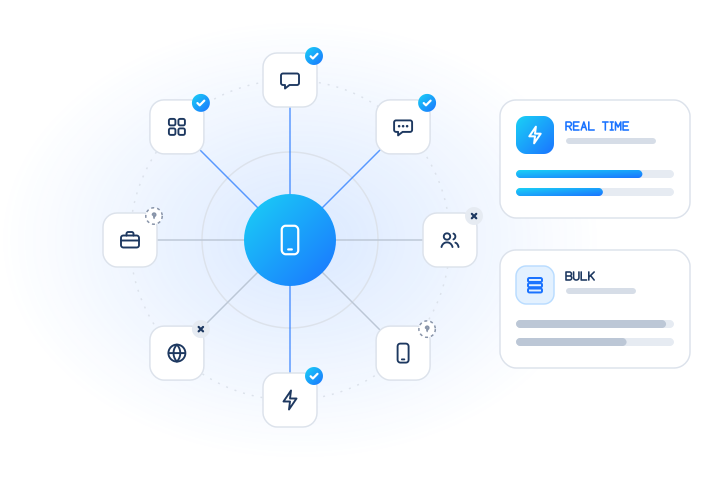
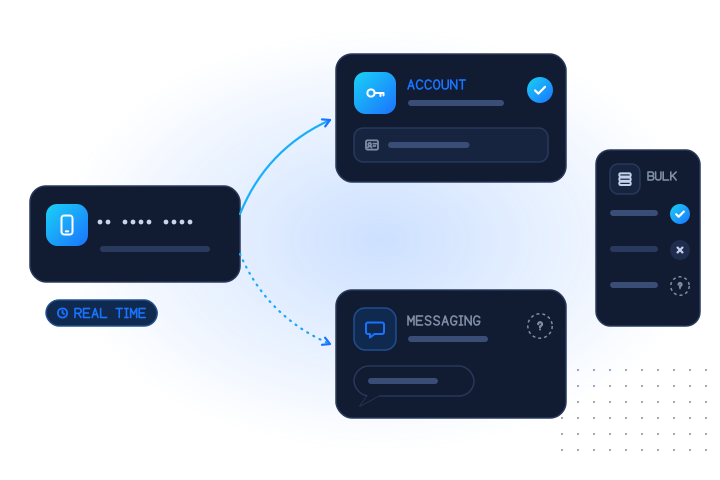
Pick the mode by when you need the answer:
- Real time (
POST /v1/lookup): up to 100 identifiers per request, answered while the user waits. Use it at sign-up or when a customer changes the phone number on their account. - Bulk (
POST /v1/jobs, or a CSV upload in the dashboard): up to 50,000 numbers per job, with a free estimate first. Use it for list hygiene and periodic re-checks. A bulk job can run the Apple Account and iMessage checks together.
Real-time checks cost more per number than bulk checks. You pay only for conclusive answers. You're not charged for inconclusive results (unknown, unsupported country, timeout, invalid, duplicate), and cache hits are free. See pricing for current rates.
Here is a real-time lookup with the documented test numbers. With a test key, +447700900001 answers registered, …002 not registered and …003 unknown. Test calls are never billed.
curl https://api.mobilevalidate.com/v1/lookup \
  -H "Authorization: Bearer $MOBILEVALIDATE_API_KEY" \
  -H "Content-Type: application/json" \
  -d '{"numbers": ["+447700900001", "+447700900002", "+447700900003"], "checks": ["apple"]}'
The apple.registered answer per row (excerpt, test mode):
{"e164": "+447700900001", "status": "completed", "registered": true,  "confidence": "high", "reason": null,               "billed": false}
{"e164": "+447700900002", "status": "completed", "registered": false, "confidence": "high", "reason": null,               "billed": false}
{"e164": "+447700900003", "status": "unknown",   "registered": null,  "confidence": null,   "reason": "UPSTREAM_TIMEOUT", "billed": false}
In live mode, the two conclusive rows are billed and the unknown row is not. The response summary counts the outcomes per check, which is handy for dashboards.
For a list, create a job with both checks:
curl https://api.mobilevalidate.com/v1/jobs \
  -H "Authorization: Bearer $MOBILEVALIDATE_API_KEY" \
  -H "Content-Type: application/json" \
  -H "Idempotency-Key: apple-guide-001" \
  -d '{"numbers": ["+447700900001", "+447700900002", "+447700900003"], "checks": ["apple", "imessage"]}'
# then: GET /v1/jobs/{id}?wait=30 and GET /v1/jobs/{id}/results
The test job finished at once with "progress": {"total": 3, "checks_total": 6, "done": 6, "conclusive": 4, "non_billable": 6}: two conclusive answers per check, one unknown each. Run POST /v1/jobs/estimate first on live data to see the maximum cost, and set max_cost to cap it. The bulk jobs guide covers uploads, webhooks and result files.
What about mainland China (+86) numbers?
Check them in real time. The Apple Account check covers numbers from every country we serve in real time, but bulk jobs cover every country except mainland China. In a bulk job, +86 numbers answer unsupported_country, are not charged, and are listed in the estimate's unsupported_checks before you start, so you can move them to POST /v1/lookup. The iMessage check does not cover mainland China numbers in any mode. GET /v1/services lists each check's gaps per mode.
This matters more for +86 than for most countries, because China mainland is one of the two places where a phone number can be the Apple Account sign-in itself (Apple).
Which check should you use for which job?
| Your goal | Check | Mode |
|---|---|---|
| Add a risk signal at sign-up | Apple Account by number, next to a carrier lookup | Real time |
| Review a phone number change on an existing account | Apple Account by number | Real time |
| Review an e-mail change, or a sign-up with e-mail only | Apple Account by e-mail | Real time |
| Plan message formats for customers who opted in | iMessage, with RCS | Bulk |
| Re-check an old customer list before messaging customers who opted in | Apple Account plus iMessage, after checking the number is active | Bulk |
| A mainland China (+86) number | Apple Account by number | Real time only |
In fraud scoring, treat true as a mild positive: a number tied to an Apple Account has usually been used for real sign-ins and verification codes. Treat false as weak evidence at most, since plenty of real people have no Apple Account. Never block someone on this answer alone; use it to choose a friction step, such as an extra verification. Store every answer with checked_at, and don't overwrite a stored answer with null.
What are the rules for checking numbers responsibly?
Check only numbers you have a lawful basis to process, such as your own customers and sign-ups, and only for purposes like fraud prevention, account security, list hygiene and choosing a channel a customer can receive. This is general guidance, not legal advice.
- No profiling. Don't use the answer to judge people by the devices or services they use, or to decide on credit, jobs, housing or insurance.
- No target lists. Don't use it to find people who use Apple services or to build lists for messages nobody asked for. Requests that look like sequential number ranges are refused with
suspected_enumeration. - Keep it dated and minimal. Store the answer, the time and the reason you checked, nothing more.
The acceptable use policy sets out these rules, and anyone can object through the opt-out form. Apple is named descriptively; MobileValidate is not affiliated with Apple.
To try it, create a free test key and run the request above. The messaging-app checks guide covers the other account and app checks.
Sources
- Using your phone number for Apple Account instead of an email address — Apple, 2026
- How to create a new Apple Account — Apple, 2026
- About trusted phone numbers and trusted devices for Apple Account — Apple, 2026
- Add or remove your phone number in Messages or FaceTime — Apple, 2026
- If you can't turn on or sign in to iMessage or FaceTime on your iPhone — Apple, 2026
- Deregister and Turn Off iMessage — Apple, 2026
- Apple ID is now Apple Account — Engadget, 2024
Frequently asked questions
Is an Apple ID the same as an Apple Account?
Yes. Apple renamed Apple ID to Apple Account with its 2024 software releases (iOS 18 and macOS Sequoia). Existing accounts and sign-ins did not change, and the old name still appears in some places. A check for one is a check for the other.
Can I check if a phone number has an Apple ID for free?
For your own account, yes: the phone numbers on it are listed under Sign-In & Security in your device settings. For numbers your customers gave you, use an Apple Account number check. Test keys are free, and live checks are charged only for conclusive yes or no answers; unknown answers are never billed.
Does an Apple ID on a phone number mean the person uses iMessage or an iPhone?
No. An Apple Account is used on Mac, iPad, Windows and the web too, and a number can be on an account as a trusted number for two-factor codes without being registered for iMessage. To know whether a number is registered for iMessage, run the separate iMessage check, which runs in bulk jobs.
Can I check mainland China (+86) numbers for an Apple Account?
Yes, in real time only. In a bulk job, mainland China numbers answer unsupported_country and are not charged, and the job estimate lists them before you start. The iMessage check does not cover mainland China numbers at all.
Is the person told that their number was checked, and what do I get back?
Nothing is sent to the number and the person is not contacted. You get registered true, false or null (unknown) with the time of the check. No name, e-mail address, device or location is returned.
Related services and guides
More from the blog
All articlesGuides
How to check if a phone number uses iMessage
What iMessage registration means, blue vs green bubbles, iMessage vs RCS on iPhone, what businesses can and can't send, and a bulk API example.
7 min read
Guides
Messaging-app registration checks: a guide for every app
What a registration check tells you for WhatsApp, Telegram, Viber, Signal, iMessage, RCS, LINE, Zalo and more: modes, unknowns, billing and consent.
9 min read
Guides
Bulk Telegram number check for Asian customer lists (Indonesia, India, Philippines, Vietnam, Hong Kong)
Check Telegram numbers in bulk for Indonesia, India, the Philippines, Vietnam, Hong Kong and more: normalising Asian formats, privacy and unknowns, cost caps.
7 min read