On this page
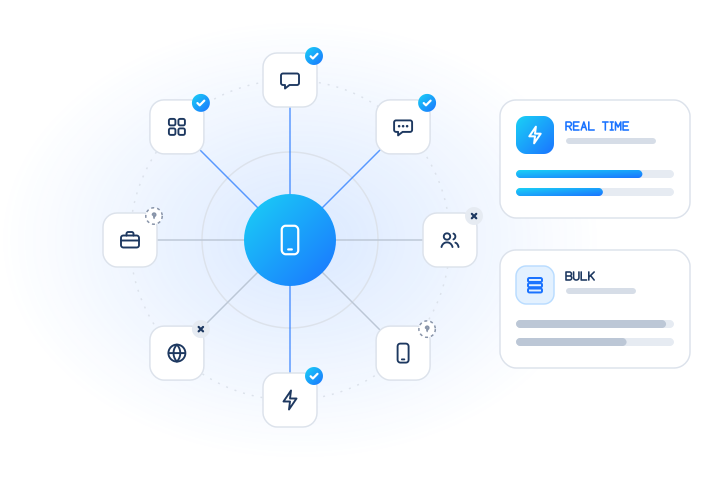
To check if a phone number has a Facebook or Instagram account, send it to a registration-check API and read back a dated yes, no or unknown answer for each platform. With MobileValidate that's checks: ["facebook", "instagram"], in real time for up to 100 numbers or in bulk jobs for lists. The answer says only whether an account is associated with the number. It never names or shows the person behind it.
Most teams run these checks together with WhatsApp, on numbers their own users or leads gave them, to judge whether a number looks established. This guide covers what the answers mean, why they are less clear-cut than on messaging apps, where they help, which uses we refuse, and how to run them in real time and in bulk.
What does a Facebook or Instagram number check answer?
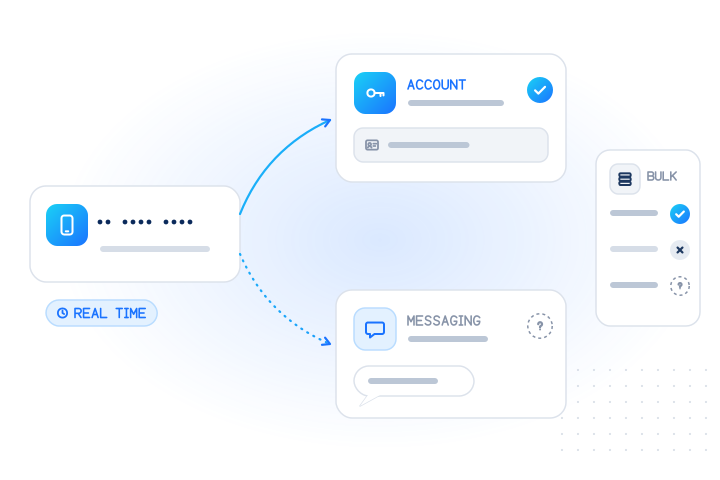
It answers one question per platform: is an account associated with this number today? Each check returns one of three outcomes, plus checked_at, the time the answer was obtained:
| Answer | Meaning | How much weight to give it |
|---|---|---|
registered: true | An account on that platform is associated with the number | Moderate: the number was added to an account and passed that platform's own confirmation |
registered: false | A conclusive "no account associated" | Weak: many real users never attached a number |
registered: null (unknown) | No conclusive answer; status and reason say why | None, and not charged |
Facebook and Instagram are separate checks with separate answers. People can link their accounts in Meta's Accounts Center, but that doesn't merge them, so one number can be true on Instagram and false on Facebook. If you collect e-mail addresses too, the Facebook e-mail check and Instagram e-mail check answer the same question for an address.
What does the check never return?
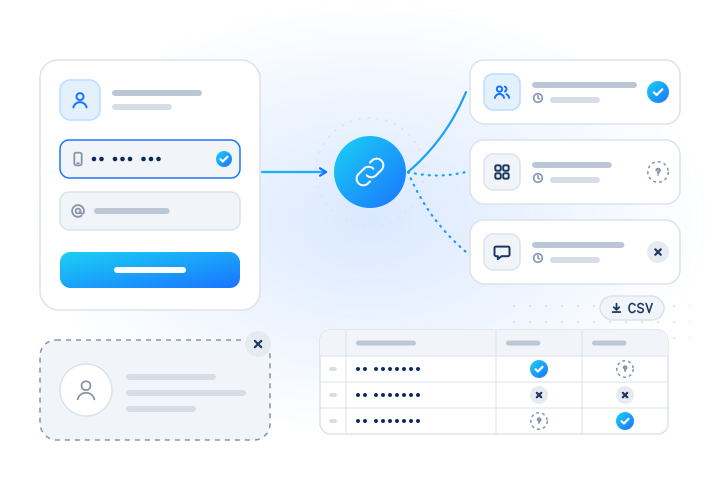
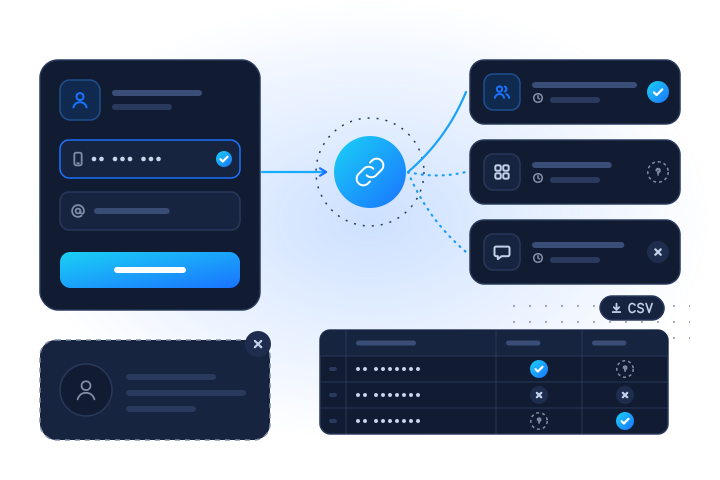
It never returns who the person is. You get a dated yes, no or unknown, and that's all. There is no name, username, profile photo, profile link, follower count, post, friend list, activity or "last seen" time.
This is a deliberate product rule, not a missing feature. MobileValidate doesn't do reverse lookups (number → name, photo or profile), and it never infers age, gender or any other personal trait. If a data source ever returned such fields, we would drop them before they reached your account. We also send nothing to the number and never access the account.
The narrow answer covers the business questions people actually have ("does this number look like it's in real, long-term use?", "how many of my opted-in customers could we serve on this platform?") without collecting personal data you don't need. If your use case requires knowing who is behind a number, a registration check is the wrong tool, and we won't run it for that purpose.
Why are Facebook and Instagram answers more often no or unknown?
Because on these platforms the phone number is optional, and people control how findable it is. On WhatsApp or Viber the number is the account. You can't have one without confirming a number, so a clear yes or no is common. Facebook and Instagram are built around a profile instead:
- Sign-up doesn't require a number. Facebook's help centre tells new users to enter their "email or mobile phone number" when they create a profile (Facebook Help Center). Instagram says it uses a number or e-mail address to help people log in, receive notifications and keep the account secure, and that "mobile numbers and email addresses are always private on your Instagram accounts" (Instagram Help Center).
- People limit discovery by number. Facebook has a setting that controls who it can suggest your profile to based on your phone number. The choices run from "Possible Connections" down to "No one" (Facebook Help Center).
- Platforms restrict number matching. In 2021 Meta explained that data had been "scraped from people's Facebook profiles by malicious actors using our contact importer prior to September 2019", and that it then changed the importer to stop software uploading "a large set of phone numbers to see which ones matched Facebook users" (Meta, 2021). In November 2022, Ireland's Data Protection Commission fined Meta €265 million over that processing. The inquiry covered Facebook Search and the Messenger and Instagram contact importer tools (DPC, 2022).
The practical result:
| Property | Number-is-the-account apps (WhatsApp, Viber) | Facebook, Instagram, Messenger |
|---|---|---|
| Phone number needed to sign up | Yes | No; e-mail works |
| Number visible to other users | Usually, by design | Private or limited by settings |
What false usually means | No account on that app | No account, or an account without this number |
| Typical share of unknowns | Lower | Higher |
| Best read as | Channel availability | Account-presence signal |
So read a true as useful evidence, a false as "probably no number attached", and an unknown as no information at all. Never treat a missing answer as a sign that someone is fake.
What are legitimate uses for these checks?
Use them on numbers people gave you, to protect your service or improve data you already hold. The common patterns:
| Use case | Typical checks | How to use the answer |
|---|---|---|
| Sign-up quality and fake-account signals | facebook, instagram, whatsapp, carrier | Presence on two or more platforms lowers risk; absence only adds a light friction step. See OTP and sign-up fraud |
| Lead-quality scoring | instagram, facebook, whatsapp (+ e-mail checks) | Rank leads for follow-up; a lead with no presence anywhere and a bad line type gets a second look. See lead verification |
| Account-security reviews | facebook, instagram, messenger | A new recovery number with no footprint anywhere is one input to a manual review |
| Channel planning for opted-in customers | messenger, instagram, whatsapp | Measure, in aggregate, how many customers you could serve on a support channel before staffing it. See channel selection |
Fake accounts are usually built on fresh identifiers: virtual numbers, rented SIMs, generated addresses. Those rarely have years of history on large consumer platforms, which is why presence works as a signal. Our guide to account-presence signals at sign-up covers the scoring, the friction tiers and the GDPR limits in depth. This post stays with the Facebook and Instagram specifics.
Which uses do we refuse?
We refuse any use that turns a registration answer into a way of finding, profiling or contacting people who didn't ask for it:
- Finding someone's social media. Looking up a person, an ex-partner, a debtor or a job applicant to see where they are online.
- Building audiences. Running purchased or scraped lists to find "all Instagram users" in a range or region, or to target people for unsolicited messages.
- Range scanning. Requests with 20 or more consecutive numbers are refused with
403 suspected_enumeration, and generated e-mail lists are refused the same way. - Eligibility decisions. Using presence to decide credit, employment, housing or insurance, or as a proxy for age, income or any protected trait.
Our acceptable use policy forbids all of these. Anyone can object to checks on their number through the opt-out form; suppressed numbers are skipped and never charged.
How do Facebook, Instagram, Messenger and WhatsApp checks fit together?
Request them side by side in one call or one job. Each answers separately. Modes and coverage, as listed in the services reference:
| Check | Code (alias) | Input | Modes | Countries |
|---|---|---|---|---|
facebook.registered (facebook) | number | real time + bulk | all | |
instagram.registered (instagram) | number | real time + bulk | all | |
| Messenger | messenger.registered (messenger) | number | bulk only | all |
whatsapp.registered (whatsapp) | number | real time + bulk | all (bulk: except mainland China) | |
| Facebook by e-mail | facebook.email | real time + bulk | no country limits | |
| Instagram by e-mail | instagram.email | real time + bulk | no country limits |
"All" means every country except sanctioned ones, whose numbers are never checked and answer unsupported_country for free. Note that the aliases facebook and instagram mean the number checks. For addresses, use the full codes facebook.email and instagram.email.
Why combine them? WhatsApp is the strongest presence signal in markets where it's dominant, because the number is the account. Facebook and Instagram add independent evidence, especially where WhatsApp is less common, and Messenger helps with support-channel planning. Three or four checks are usually enough, because the signals overlap. For every messaging app we cover, see the messaging-app registration checks guide.
How do I check a number in real time?
Use POST /v1/lookup with up to 100 numbers and up to 20 checks. This request uses test numbers, which are free and never reach a real network:
curl https://api.mobilevalidate.com/v1/lookup \
  -H "Authorization: Bearer $MOBILEVALIDATE_API_KEY" \
  -H "Content-Type: application/json" \
  -d '{"numbers": ["+447700900001", "+447700900002", "+447700900003"],
       "checks": ["facebook", "instagram", "whatsapp"], "wait": 5}'
In test mode, +447700900001 answers registered, +447700900002 not registered and +447700900003 unknown, so you can build all three branches before you go live. Each result sits under checks["facebook.registered"], checks["instagram.registered"] and checks["whatsapp.registered"], with registered, status, confidence, checked_at, cached, billed and reason. The real-time lookups reference shows the full shape.
Three habits for user-facing flows:
- Keep
waitshort, for example 3 to 5 seconds, at sign-up. Anything stillpendingcounts as unknown for this decision. Use the answer later, or receive it by webhook. - Don't put
messengerin a real-time request. It is bulk only, andPOST /v1/lookuprefuses it with403 service_disabled. - Use
default_countryif your form collects national-format numbers, so they can be converted to E.164.
How do I check a list in bulk?
Use a bulk job: up to 50,000 numbers and e-mails per job, with Messenger available. Upload a CSV with a phone column (and an email column if you have one):
curl https://api.mobilevalidate.com/v1/jobs \
  -H "Authorization: Bearer $MOBILEVALIDATE_API_KEY" \
  -F file=@opted-in-customers.csv -F checks=facebook,instagram,messenger,whatsapp
# then GET /v1/jobs/{id}?wait=30 and GET /v1/jobs/{id}/download?format=csv
Limits that matter for a combined job: 20 checks per request, and no more than 100,000 rows × checks per job. Four checks on 25,000 numbers is exactly the limit. Each account also has a daily cap on identifiers, shown by GET /v1/limits. You can also upload the file in the dashboard without writing code. The bulk jobs guide covers both routes.
Two bulk pricing rules are worth knowing in advance. WhatsApp checks get the bulk price only for groups of at least 132 numbers from the same country in one job; smaller groups are priced as real-time checks. Bulk-only checks such as Messenger are billed at least the price of 500 checks per country that returns at least one answer. Both show up in the estimate before you start.
How do I read the results in a table?
The CSV download gives one row per number, with three columns per check: <service>.status, <service>.registered and <service>.billed, for example instagram.registered.registered. Read the row as a pattern, not as single cells:
| Pattern across a row | Reasonable reading | Typical action |
|---|---|---|
WhatsApp true, Facebook or Instagram true | Number in long-term everyday use | No friction; normal follow-up |
WhatsApp true, Facebook and Instagram false | Real mobile user who didn't attach the number to social accounts | No friction; very common |
All false, carrier says VoIP | Fresh or virtual number | Light step-up, such as a second confirmation |
| All unknown | No information | Treat as unchecked; retry later if it matters |
Messenger true on many rows in a country | Customers there are reachable for support on that channel | Input to staffing, in aggregate |
Two rules keep the table honest. Never overwrite a stored true or false with a later unknown. And keep checked_at next to each answer, because numbers get recycled and accounts change. To list one slice through the API, filter the results, for example GET /v1/jobs/{id}/results?service=instagram®istered=true.
How do I keep the cost under control?
Estimate first, cap the job and only pay for answers. Prices differ for real-time and bulk checks; see current prices on the pricing page. The controls:
- Free estimate.
POST /v1/jobs/estimatetakes the same body as a job and checks nothing. It returns the maximum cost, invalid, duplicate and cached counts, a price line per check, and any checks that won't run for some countries. - Cost cap. Pass the estimate's
max_costto the job, or a lower amount. A real-time request withmax_costis refused with402 cost_limit_exceededif it could cost more. - Only conclusive answers are billed. Unknown or inconclusive results (timeouts, unsupported countries, invalid input, duplicates) are never charged.
- Cache. Repeat checks of the same number inside the freshness window come from your account's cache for free.
max_age: 0forces a fresh, billed check, so use it sparingly. - Fewer, better checks. Pick the platforms your customers actually use. Group small lists by country into larger jobs to reach the bulk price.
What are the consent and privacy rules?
- Lawful basis. Checking a number is likely to be processing of personal data. Under the GDPR you need a lawful basis (Article 6), and using answers to evaluate risk can be profiling (Article 4(4)). Ask your counsel what applies to your flow.
- Data minimisation. Store the answer, its
checked_atand your decision, not raw responses (Article 5(1)(c)). - Human review. Keep decisions with significant effects, such as refusing service, behind meaningful human review (Article 22).
- Registration isn't consent. A
trueon Messenger or Instagram doesn't let you message anyone. Each platform has its own rules for business messages.
Facebook, Instagram, Messenger and WhatsApp are named here descriptively. MobileValidate is not affiliated with Meta Platforms.
What are the key takeaways?
- A Facebook or Instagram number check returns registered, not registered or unknown, with
checked_at. It never returns a profile, name, photo or username. - The number is optional and often private on these platforms, so
trueis useful evidence,falseis weak and unknown means nothing. - Good uses: sign-up quality, lead-quality scoring, security reviews and channel planning for opted-in customers. Finding people, building audiences and range scanning are refused.
- Facebook and Instagram run in real time and in bulk; Messenger is bulk only. WhatsApp covers all countries in real time but not mainland China in bulk.
- Combine three or four checks with WhatsApp and line type, estimate first for free, and pay only for conclusive answers.
- Start with the Facebook check and the Instagram check.
Sources
- Create a Facebook profile — Facebook Help Center, 2026
- Control who Facebook can suggest your profile to based on your email address or phone number — Facebook Help Center, 2026
- Why Instagram asks for your email address or mobile phone number and how they're used — Instagram Help Center, 2026
- The Facts on News Reports About Facebook Data — Meta, 2021
- Data Protection Commission announces decision in Facebook "Data Scraping" Inquiry — Data Protection Commission (Ireland), 2022
- General Data Protection Regulation (EU) 2016/679 — European Union, 2016
Frequently asked questions
How do I check if a phone number has a Facebook or Instagram account?
Send the number to a registration-check API. With MobileValidate, use POST /v1/lookup with checks: ["facebook", "instagram"] for up to 100 numbers in real time, or POST /v1/jobs for lists of up to 50,000. Each answer is registered, not registered or unknown, with the time of the check.
Does the check show the Facebook or Instagram profile behind a number?
No. The check answers only whether an account is associated with the number. It never returns a name, username, photo, profile link, followers or activity, because MobileValidate does not offer reverse lookups from a number to a person.
Why do so many real people come back as not registered or unknown?
On Facebook and Instagram the phone number is optional. People can sign up with an e-mail address, never add a number, or limit who can find them by it. A no or unknown is therefore weak evidence and should never count against a person on its own.
Is the Messenger check available in real time?
No. The Messenger check runs in bulk jobs only. The Facebook and Instagram number checks, and the Facebook and Instagram e-mail checks, run both in real time and in bulk jobs.
Which countries can be checked?
The Facebook, Instagram and Messenger number checks accept numbers from every supported country. The WhatsApp check also covers every supported country in real time, but not mainland China numbers in bulk jobs. Numbers from sanctioned countries are never checked or charged.
How do I control the cost of a bulk check?
Run the free POST /v1/jobs/estimate first. It shows the maximum cost along with invalid, duplicate and cached counts, and you can pass that amount as max_cost on the job. Unknown or inconclusive results are never charged.
Related services and guides
More from the blog
All articlesGuides
Messaging-app registration checks: a guide for every app
What a registration check tells you for WhatsApp, Telegram, Viber, Signal, iMessage, RCS, LINE, Zalo and more: modes, unknowns, billing and consent.
9 min read
Guides
How to check if a phone number has an Apple ID (single and bulk)
How to check if a phone number has an Apple ID (Apple Account), one or in bulk: what yes, no and unknown mean, how it differs from iMessage, API examples.
7 min read
Guides
How to check if a Gmail, Yahoo or Outlook account exists without sending an e-mail
Check if a Gmail, Yahoo or Outlook account exists without sending mail: why SMTP probes fail at big providers, address aliases, bulk lists and privacy.
9 min read